
Users with Administrator permissions or Macorva customer support can modify another user's permissions. To modify:
Step 1: Select Configure.
Step 2: Select People.
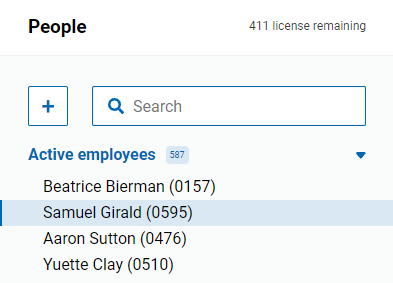
Step 3: Search and select an employee to edit.
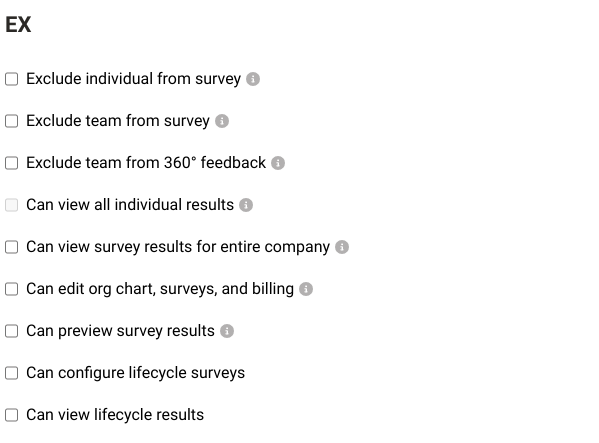
Step 3: Check or uncheck to modify the user's settings under the EX section. Hover over the info bubble for detailed explanations of each permission group.
Step 4: Press Save.