
Macorva lets you add multiple brand configurations to your account so all your surveys match your company's look and feel. To add or edit your brands:
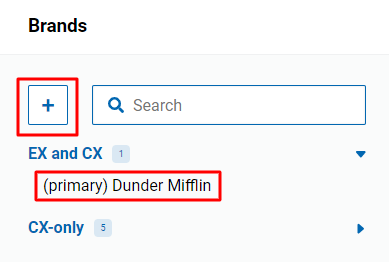
- Navigate to Configure > Brands

- Add a new brand by selecting the + or select a preexisting brand to edit.
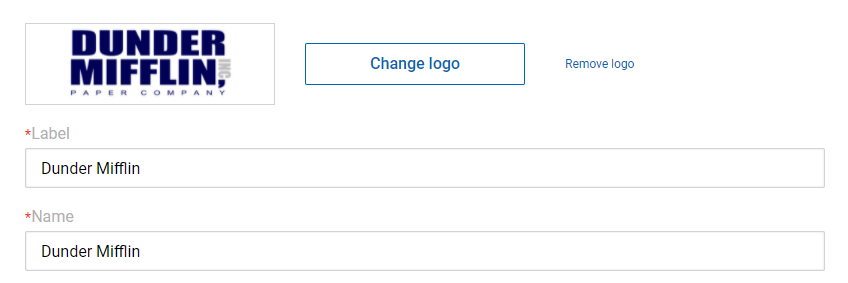
- Add Label, Name, and a Logo.
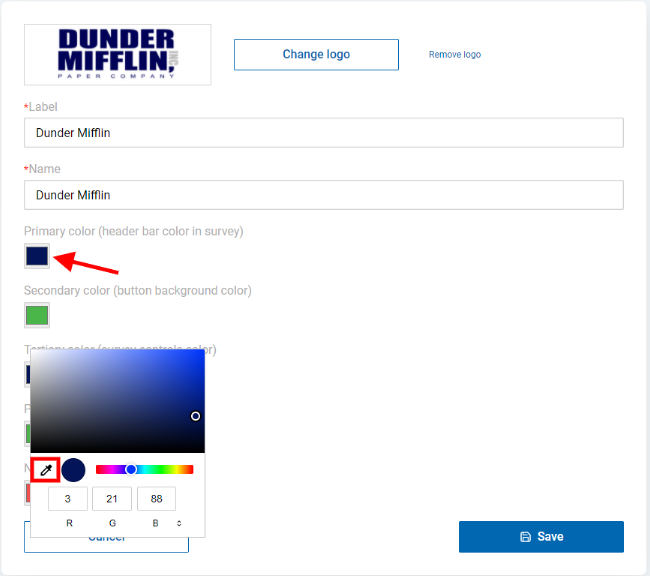
- Update your colors. Enter color data or use the dropper to select.
- Select Save.