
The general configuration page allows organizations to change their name, cx survey interval, access various action planning reports, and CX opt-out reports.
To access general configuration options, navigate to Configure > General
Institution
This is where you can edit your institution name, CX survey interval, and CX recipient label:
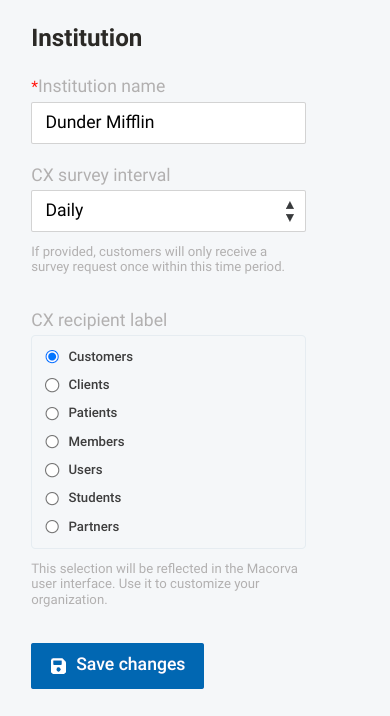
Once you have made your changes, select Save changes to save
Reports
This page also contains a variety of reports for you to export.
Action planning reports
Actions by employee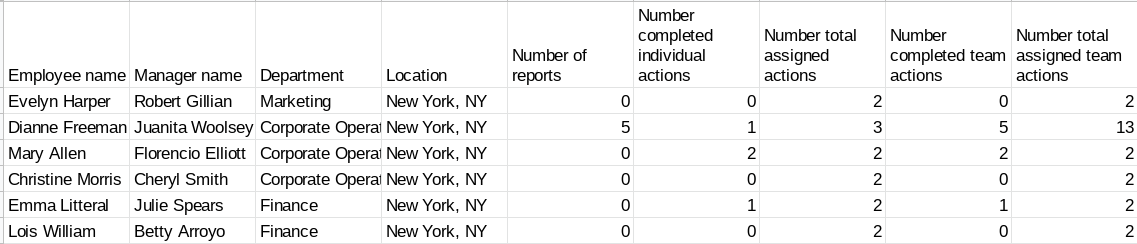
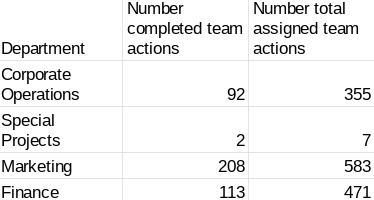
Actions by department
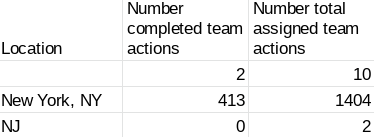
Actions by location
Action report
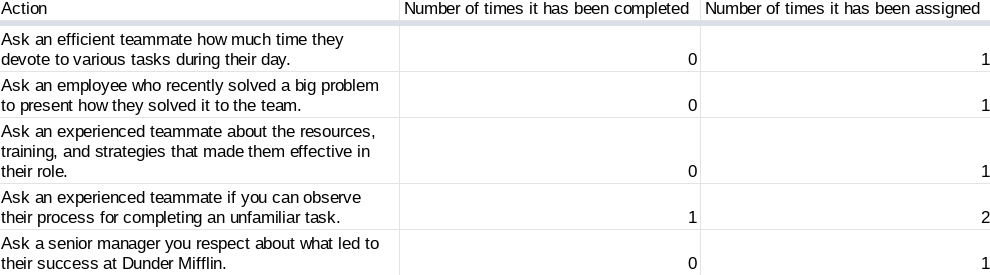
To export these reports, simply click on them and a .csv will download
CX opt-out reports
CX email opt-out and CX SMS opt-outs provide a list of those customers emails/phone numbers who have opted out of receiving communication from Macorva