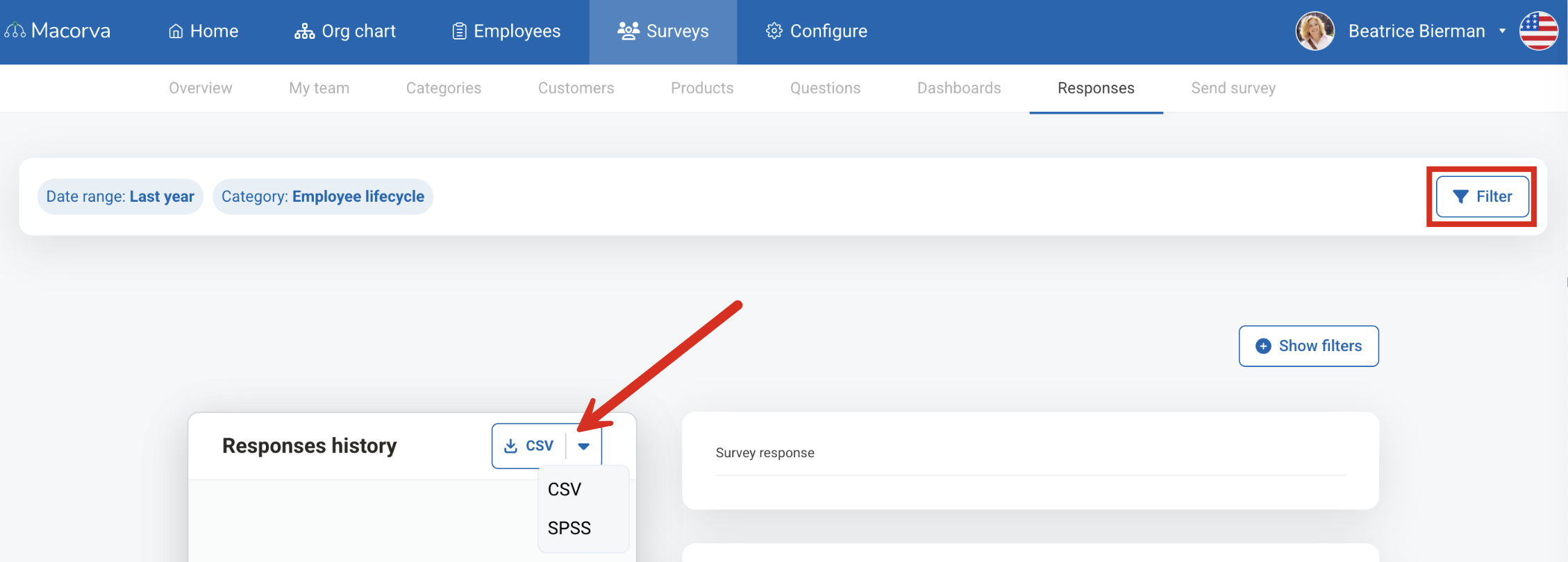
Yes! You can download your lifecycle survey data. To do this, follow these steps:
- Log into your Macorva admin account and go to Surveys > Responses
- Select the appropriate date range
- In the filter on the right, select the Category, Group and Survey for the appropriate lifecycle survey
- Click Apply.
- Click CSV to download your data as a CSV file. (You can also download as an SPSS file by clicking on the dropdown arrow to the right.)